
AfterBefore
Feature 01Text + logo
Text, logos, and labels
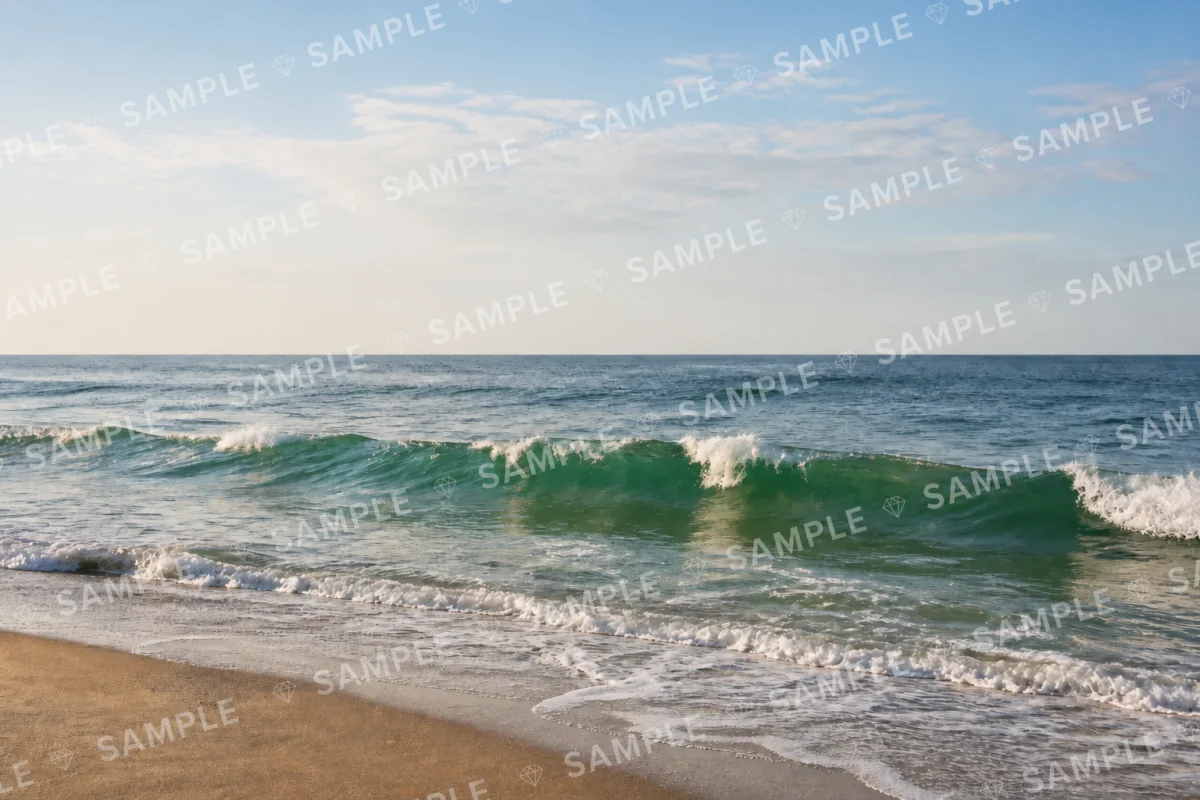
Use the photo watermark remover to remove text watermarks, logos, labels, and corner marks. Compare the nearby edges, objects, and layout after the added layer is removed.
Try your imageUpload a photo—AI removes the watermark and fills in what’s behind it.

One free image as a guest · You can paste from the clipboard too
How to use AnyWatermark
Use AnyWatermark as a watermark remover in four simple steps: upload or paste a target image, add a reference only when it can help, compare the checked result, and download. No prompts or manual marking are required.
Choose one image or a batch, or paste an image from your clipboard. The target is the image you want the watermark remover to clean.
A reference is a related image that shows hidden details. It is not another target, and the watermark remover never edits or includes it in the output.
The watermark remover removes the complete added watermark layer, rebuilds the covered area, and checks the processed image before delivery.
Drag the before-and-after view to inspect the result from the watermark remover, then download the image when it is ready.
Why AnyWatermark is better
A basic watermark remover may treat a watermark as a small area to erase. AnyWatermark considers the complete added layer and the surrounding image, then uses relevant context when one image does not provide enough clues.
GPT-5.6 Sol is OpenAI's flagship model for complex professional work. It understands image relationships and reviews the result; GPT Image 2 is OpenAI's state-of-the-art image generation and editing model that performs the edit. This split lets the watermark remover rebuild covered areas with a checked workflow.
A related image or matching set can add clues about fabric, skin, furniture, product shape, background texture, or other hidden details. AnyWatermark uses that context only when the images are relevant, so the watermark remover does not force unrelated clues.
AnyWatermark checks the processed image for visible problems before delivery. If another pass may improve the result, the watermark remover retries once from the original image.
No prompts or manual area selection. Upload, wait, compare, and download. The watermark remover does not require you to choose a model, write a prompt, draw a mask, or mark a repair area.
Complete watermark layer. Text, logos, borders, rings, stamps, shadows, and translucent decoration are treated as one added layer instead of a single word to erase. This complete-layer approach helps the watermark remover handle marks that blend into the image.
Watermark Removal Examples
Use this watermark remover to remove any watermark from any image—from a corner logo or date stamp to a signature, translucent mark, repeating pattern, or overlay across the whole image. These examples show common challenges, not a limit on the pictures you can upload.
Each example pairs a different image with a different watermark layer. The divider moves automatically so the before-and-after change is easy to see.
Use the photo watermark remover to remove text watermarks, logos, labels, and corner marks. Compare the nearby edges, objects, and layout after the added layer is removed.
Try your image
This watermark remover removes date stamps, signatures, and seals. Compare the paper, skin, or background around the mark after processing.
Try your image
The watermark remover can clean translucent text, rings, borders, shadows, and decorative marks that blend into the image. Compare the full added layer before and after.
Try your image
Ask the watermark remover to remove a mark repeated across the image, placed on a diagonal, or spread over the full frame. Compare the whole overlay, not only one visible word.
Try your image
When a watermark covers clothing, skin, furniture, product texture, or background detail, this watermark remover can use related images as useful visual clues. Compare how the covered detail is rebuilt.
Try your image$20
/monthPlan includes
$40
/monthPlan includes
$80
/monthPlan includes
Watermark Remover FAQ
Yes. AnyWatermark is a free online watermark remover. Guests can process one target image for free. Eligible new accounts may receive 20 signup credits, and signed-in users can claim up to 50 check-in credits over seven days; each target image uses 20 credits.
Upload or paste your target photo and start the process. Accounts with a successful purchase can add related reference images when they provide useful clues; AnyWatermark processes the target, checks the result, and lets you compare and download it.
Yes. Upload or paste your target image and start the process. AnyWatermark processes the image, checks the result, and lets you compare and download it when it is ready.
Yes. Any successful purchase permanently unlocks batches of up to 10 target images and up to 5 related references. Each target image uses 20 credits, references are free, and free accounts can process one target at a time without references.
A reference image is a related image that shows details hidden in the target. The watermark remover checks whether the images are related and uses references as visual clues only; they are not edited or included in the output.
Yes. AnyWatermark checks whether the processed image has problems and retries once from the original when another pass may help.
No. Upload or paste the image, wait for processing, compare the original with the result, and download when ready.
This watermark remover accepts JPG, JPEG, PNG, and WebP files up to 20 MB each. Paid accounts can process up to 10 target images and add up to 5 references per batch; downloads are PNG at the target's original dimensions.
Visible parts of the target are preserved and the result keeps its original dimensions. The covered area is AI-reconstructed, so detail-heavy regions can vary; compare before downloading.
This watermark remover is built for visible text, logos, stamps, signatures, transparent marks, repeating patterns, and full-image overlays. Fully covered areas are plausibly reconstructed, not recovered; only edit images you own or are authorized to use.
Uploads stay in a private processing flow and are scheduled for deletion after 24 hours. The watermark remover may retain limited files or records for processing, support, security, or abuse prevention under the Privacy Policy.
AnyWatermark
Upload your image and see what the AI watermark remover can do. Start with one free image, add reference images when they can help, and download the checked result when it is ready.
Private processing. Files scheduled for deletion after 24 hours.Only edit images you own or are authorized to edit.